Key Takeaway
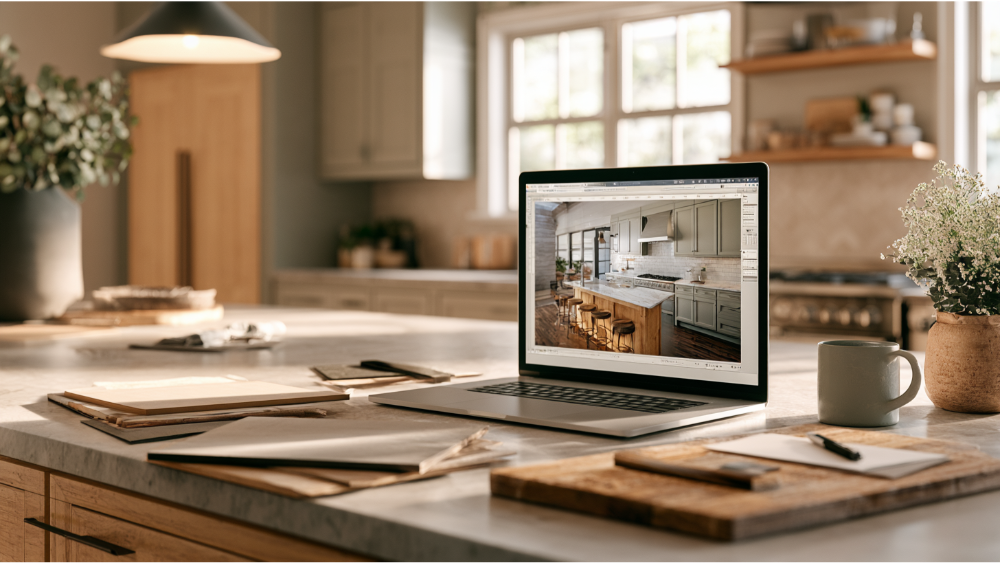
A free kitchen remodel design tool lets you test cabinet colors, countertops, flooring, and backsplash combinations in your browser with no download required. Our free Kitchen Visualizer works from built-in scenes and takes about ten minutes to reveal combinations that actually work together. It narrows your material direction, but real layout decisions require a field measure and professional design review.
Yes, you can design a kitchen online for free, right now, without downloading anything. Open our free Kitchen Visualizer, pick the scene closest to your kitchen, and start swapping cabinet colors, countertops, flooring, and backsplash until something clicks. No design background required.
This article is for the homeowner in the “I know I want a new kitchen, I just can’t picture it yet” stage. We’ll walk through how to use the tool well, what it honestly can’t tell you, and how a screen full of pretty finishes becomes a kitchen you can actually build. The spine of all of it: visualize first, verify before you build.
Is Every Kitchen Remodel Design Tool Free, and Which Kind Do You Need?


Most homeowners hunting for a kitchen remodel design tool free of any cost are really after one of three very different things, and mixing them up is where the frustration starts. Here’s the plain version.
Finish visualizers (what our free Kitchen Visualizer is)
These let you change colors, materials, and fixtures inside a representative kitchen scene so you can see combinations together. Ours falls here. It’s built to help you find a look, not to produce a measured drawing.
Measured kitchen floor plan planners, including the IKEA Kitchen Planner
A kitchen planner lets you draw walls to scale and drop in base units, tall cabinets, and appliances to test a floor plan. The IKEA Kitchen Planner is the best-known example of the brand-tied version: helpful for thinking through appliance placement and cabinet configurations, but your choices stay inside that one manufacturer’s catalog, and the output is only as accurate as the dimensions you feed it.
AI photo restyling and detailed 3D kitchen design software
AI tools restyle an uploaded photo into a new look, which is fun for inspiration but rarely preserves buildable dimensions. Full 3D kitchen design software gives real precision and takes real training to use.
What Can a Free Kitchen Design Tool Help You Decide?
More than you’d expect, as long as you use it for the right job. A good visualizer helps you settle:
- A coordinated color direction instead of a folder of unrelated screenshots
- How cabinets and countertops read together, which is the single biggest visual decision in the room
- Whether your flooring and backsplash are balanced or competing
- The overall mood: warm or cool, traditional or contemporary
- Household agreement, before anyone has spent a dollar
- A concrete starting point to hand a designer
What it won’t give you is a number. Design tools like this narrow your material direction; actual project scope and cost come out of a free consultation and a real measure, never from a screen.
How to Use Our Free Kitchen Visualizer, Step by Step
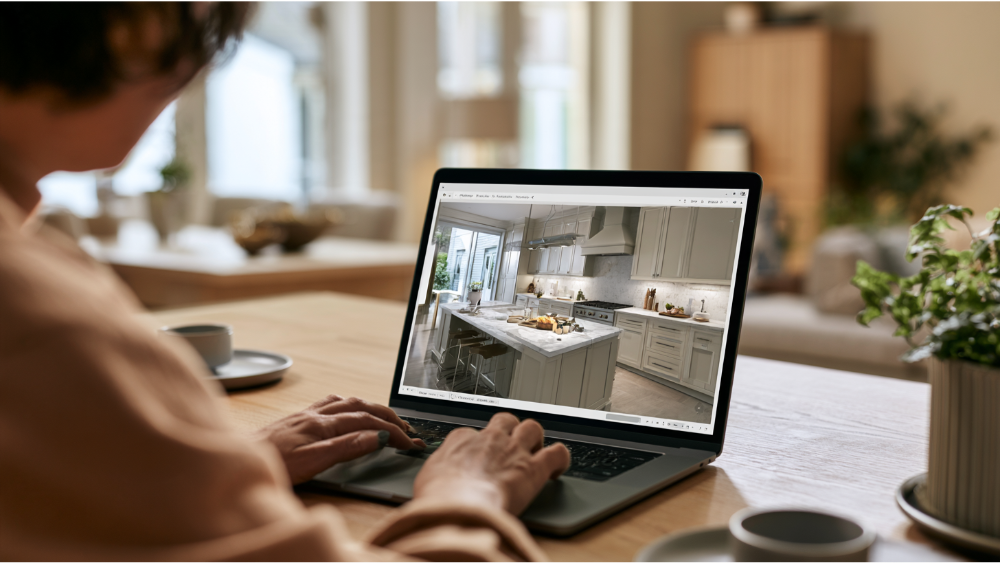
- Open it on a laptop, desktop, or landscape tablet. The visualizer runs in your browser with no download, and it asks phone users to rotate the screen. A bigger display makes color comparison far easier.
- Choose the scene closest to your kitchen. You won’t find an exact match to your room, and you don’t need one. Pick the one with a similar cabinet arrangement and window placement.
- Start with cabinetry. Door style and color first, because cabinets occupy the most visual surface area in almost every kitchen. Everything else gets chosen in relation to them.
- Add the countertop. Try two or three different countertops against the same cabinet color, one quiet stone and one heavily veined. The difference in how the room feels is usually dramatic.
- Test the backsplash. This is where people over-decorate. Look at it as a background, not a feature, unless you’ve deliberately made it the star.
- Test the flooring. Check the undertone against your cabinets. Warm floors under cool gray cabinets can look off in ways that are hard to name until you see them side by side.
- Review sinks, faucets, and any other categories enabled in your session, then save, email, or screenshot your favorites if that option is live for you.
One piece of advice: create two or three complete looks rather than twenty partial ones. Complete combinations are comparable. Partial ones just multiply.
Design in the Right Order (So Your Kitchen Design Ideas Don’t Fight Each Other)
Random swapping produces a collage. A sequence produces a room. Work in this order:
- Start with what isn’t changing. A floor you’re keeping, the direction and quality of window light, the flooring and wall colors in adjacent rooms.
- Choose the dominant element. Usually cabinetry, occasionally a countertop you’ve fallen in love with. Commit to it before anything else.
- Pick one busy surface. A dramatic stone, a patterned tile, or a strong wood grain. Let the rest of the design elements stay quiet.
- Limit the palette. Two or three tones plus one metal finish for hardware and faucet.
Follow that and the room reads calm and intentional, even when you’ve used bold materials.
What a Free Kitchen Design Tool Can’t Confirm

A rendering is a picture of a preference, not a report on your house. Here’s what the image cannot tell you:
- Your true room dimensions
- What’s inside the walls: framing, plumbing, electrical, ductwork
- Whether ventilation and appliance rough openings will work where you want them
- Appliance clearances and door swings
- Product availability and lead times
- Exact color, veining, and pattern scale of real material
- Permit and code compliance
- Your final project scope
None of that makes the tool less worth your time. It means the tool is step one.
Do You Need Exact Measurements and a Kitchen Floor Plan First?
Not for our visualizer. You can explore finishes with nothing but curiosity and ten minutes.
The moment you want to move a wall, add an island, or draw a real plan of your existing kitchen, measurements matter: wall lengths, ceiling height, window and door locations, and where the utilities run. Those need to be field-verified, not estimated from memory. A professional measure is part of our design process, so you’re never on the hook for getting perfect numbers yourself.
Make Sure the Kitchen Layout Works as Well as It Looks
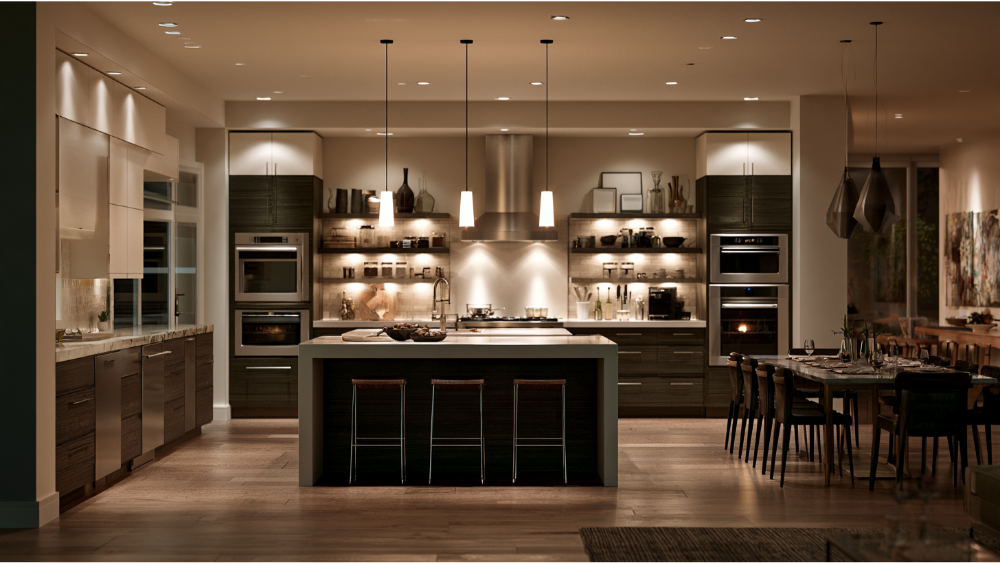
Kitchens come in a handful of shapes: everything on one wall, a galley with parallel counters, an L shaped kitchen wrapping a corner, a U shaped plan using three walls, and open concept layouts anchored by a kitchen island. Whichever one you have, a visualizer shows you finishes while the numbers below protect function. These are NKBA Kitchen Planning Guidelines, which are professional planning recommendations, not building code. Your local code may require something different.
Walkways and work aisles
Aisle width decides whether two people can share the kitchen space or take turns. Measure from counter face to counter face, not wall to wall.
The kitchen work triangle
Sink, cooktop, and refrigerator form the core work zones for cooking and meal preparation. Keep the legs tight enough to be efficient and long enough that nobody is elbowing anybody.
Landing areas and island seating
Every appliance needs open counter beside it for setting things down, and seated diners need real knee room, not a few spare inches.
| Recommendation | Dimension |
|---|---|
| General walkway width | 36 inches minimum |
| Work aisle, one cook | 42 inches |
| Work aisle, multiple cooks | 48 inches |
| Total distance between sink, cooktop, and refrigerator | 26 feet maximum |
| Each leg of the work triangle | 4 to 9 feet |
| Obstacle crossing a triangle leg | No more than 12 inches |
| Landing area beside the cooking surface | 12 inches one side, 15 inches the other |
| Island seating width per diner | 24 inches |
| Knee space depth | 18 in. at 30-in. counter, 15 in. at 36-in., 12 in. at 42-in. |
Confirm Your Choices With Physical Samples
Screens lie a little. Monitors and phones shift color temperature, and renderings approximate pattern scale. Natural stone and heavily veined quartz vary slab to slab, so the piece that lands in your kitchen won’t be identical to the one on screen.
Before you commit, put a cabinet door, a countertop sample, the backsplash tile, and the flooring together under the same light. That’s exactly what our 20,000-square-foot Grand Kitchen and Bath Showroom in North Highlands is for, the largest showroom of its kind in the region, with an extensive selection of DreamLine Custom Cabinetry, Cambria, Silestone, Dekton, and RIVA Spain flooring under one roof. You’ll see cabinet options in multiple widths and storage configurations that no catalog screenshot conveys. Visit Our Showroom and bring your screenshots.
From Free Kitchen Design to a Finished Kitchen: How We Take It From Here

Bring your favorite concept to our expert designers and here’s what happens:
- Field measure and design review
- Final layout and product specifications
- Permits and drawings where the scope requires them
- In-house DreamLine cabinetry fabrication and CNC stone fabrication
- Installation by our own crews
- Final walkthrough and inspection
We’ve been family-owned since 2001 and have served more than 19,000 homeowners, so the design experience you get here is backed by two decades of remodeling in real houses. Because everything happens in-house, we’ll never send you searching for another contractor to finish what we started. CSLB License #853669. EPA Lead-Safe Certified, which matters in pre-1978 homes where disturbing paint triggers federal lead-safe work practices (the RRP minor-repair exception stops at 6 square feet interior or 20 square feet exterior, and window replacement and demolition are always covered). Every remodel carries our 24-month labor warranty, and DreamLine Custom Cabinetry carries a limited lifetime warranty.
Do Roseville Homeowners Need Permits and Real Plans?
Often, yes. Roseville requires permits for regulated alteration, repair, improvement, conversion, or demolition unless a specific exemption applies, and submittals are handled digitally. Residential remodel submittals can call for existing and proposed floor plans, room dimensions, door and window details, electrical plans, and structural information when walls or openings change. A free visualizer doesn’t produce any of that. We handle permitting for our Roseville and greater Sacramento clients.
Start Designing Your Dream Kitchen Today
Play with the free Kitchen Visualizer until two or three combinations stand out. Save or screenshot them. Then bring them to us and we’ll help you land on the perfect combination and tell you what it takes to build.
Schedule a Free Consultation, call us at (916) 701-9660, or visit our showroom at 7115 Watt Ave, Suite #100, North Highlands. No pressure, no obligation, just a conversation about your kitchen.
Frequently Asked Questions
Is there an app or free version I can use to design my kitchen for free?
Yes. Our Kitchen Visualizer is free and runs in your browser with no download and no software to install. It works best on a laptop, desktop, or tablet held in landscape orientation.
Can I take a picture of my kitchen and redesign it for free?
Our visualizer works from built-in kitchen scenes rather than your own photo, so pick the scene closest to your layout. If photo upload is enabled in your session, you’ll see the option on screen.
Is there a free AI tool that can redesign my kitchen?
AI photo tools can generate restyled images from a picture, but they don’t preserve real dimensions, clearances, or buildable details. They’re inspiration, not a plan.
How do I design my kitchen layout online for free?
Use a finish visualizer like ours to settle your look, then a measured planner or a professional designer for the actual layout. Layout decisions depend on wall lengths, utilities, and clearances that only a field measure confirms.
Can a free kitchen design tool replace a professional kitchen designer or interior designers?
No. A tool helps you discover what you like; a designer verifies that it fits your room, your routines, and your local code. Ours is free and takes about an hour.